Usage Instructions
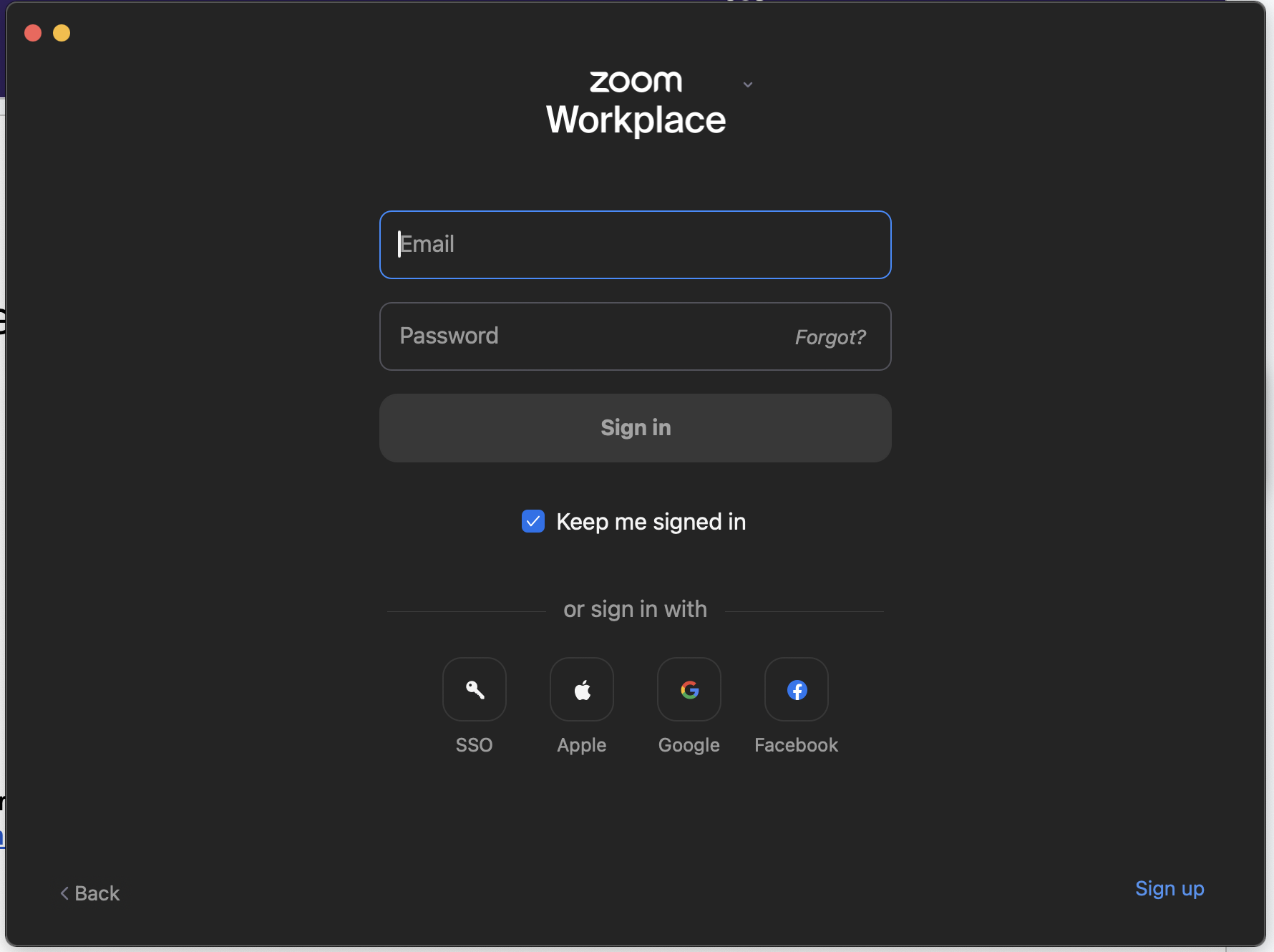
- Open your zoom app and log in.
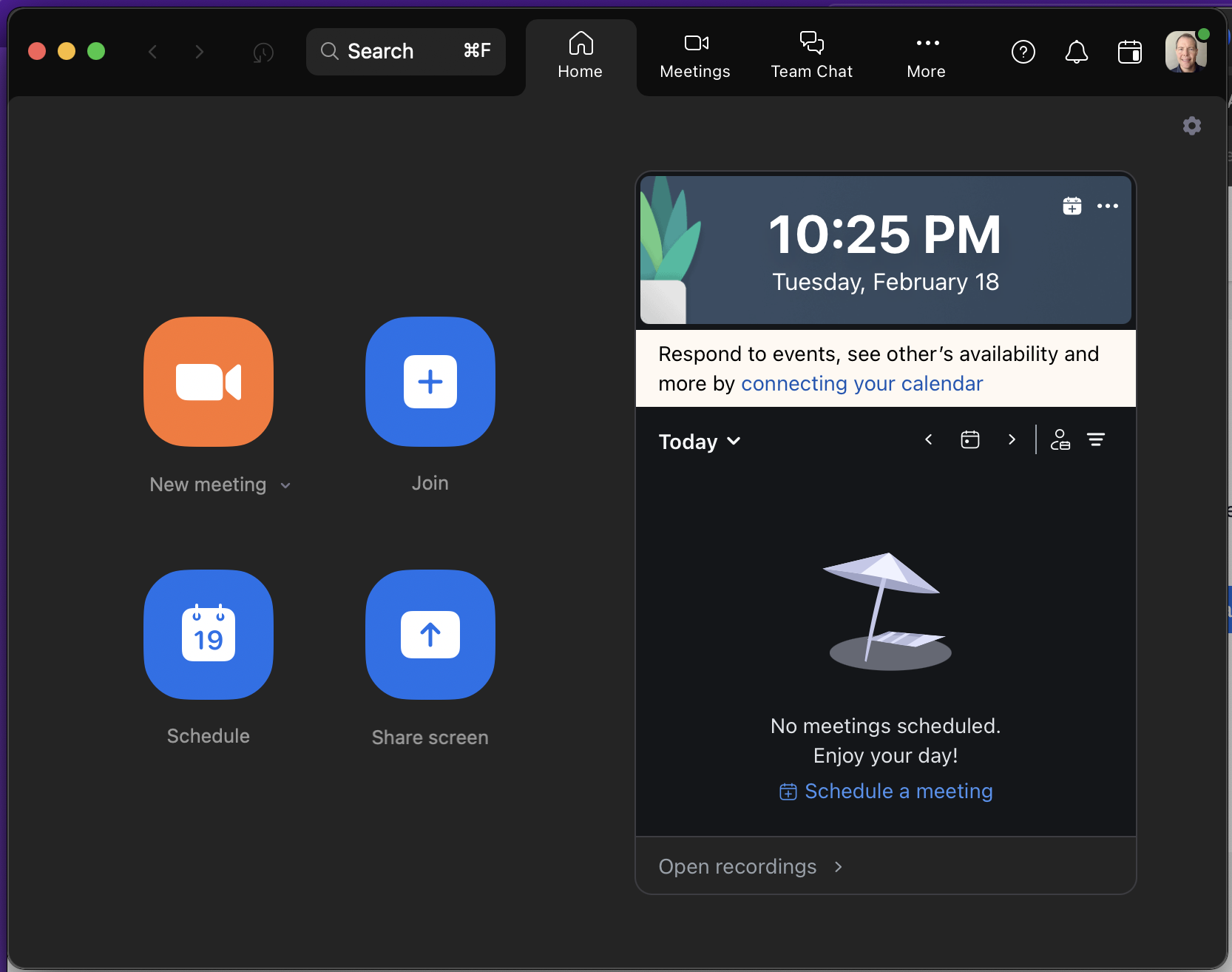
- Start a “New Meeting” and join with computer
audio.
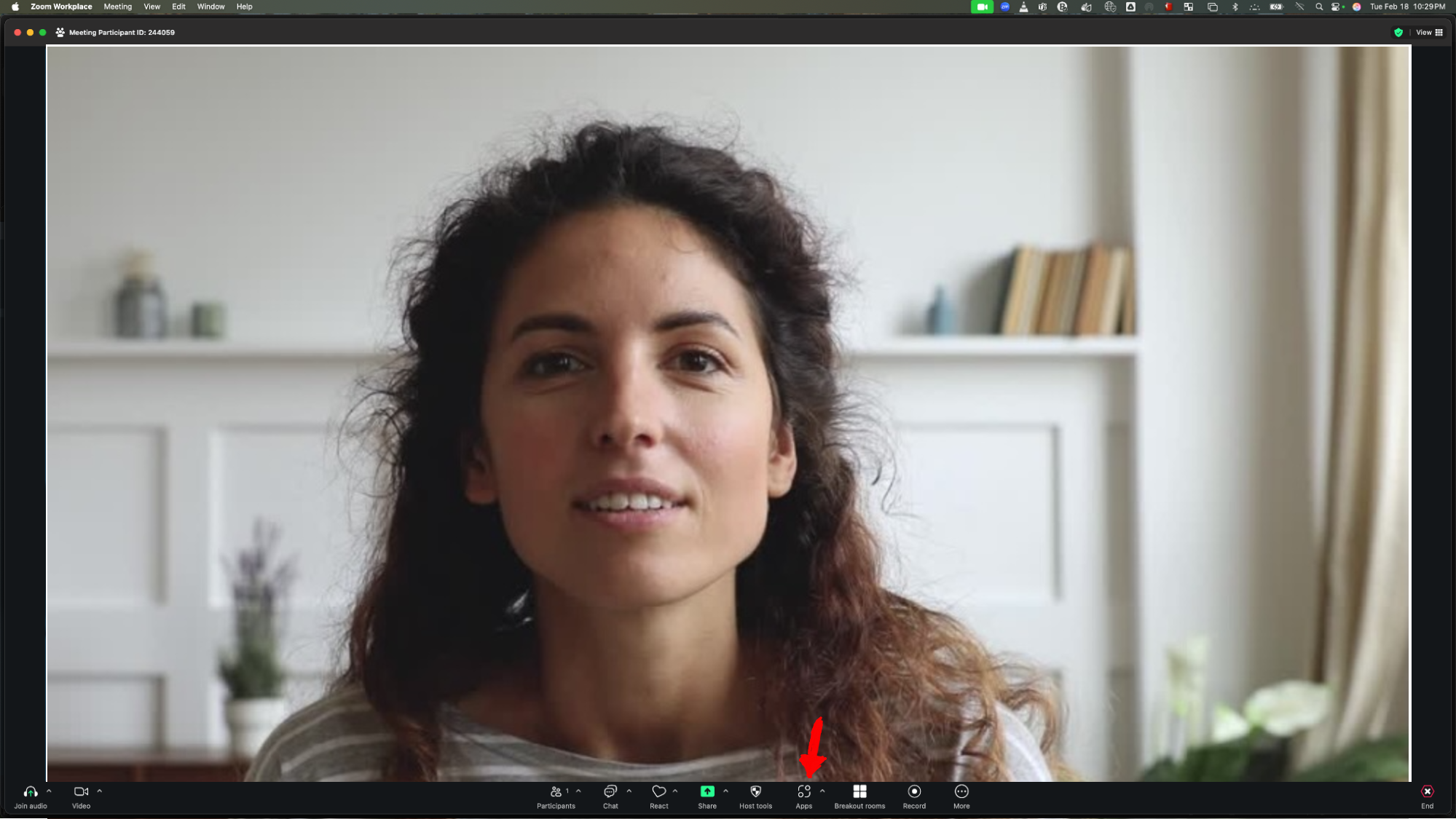
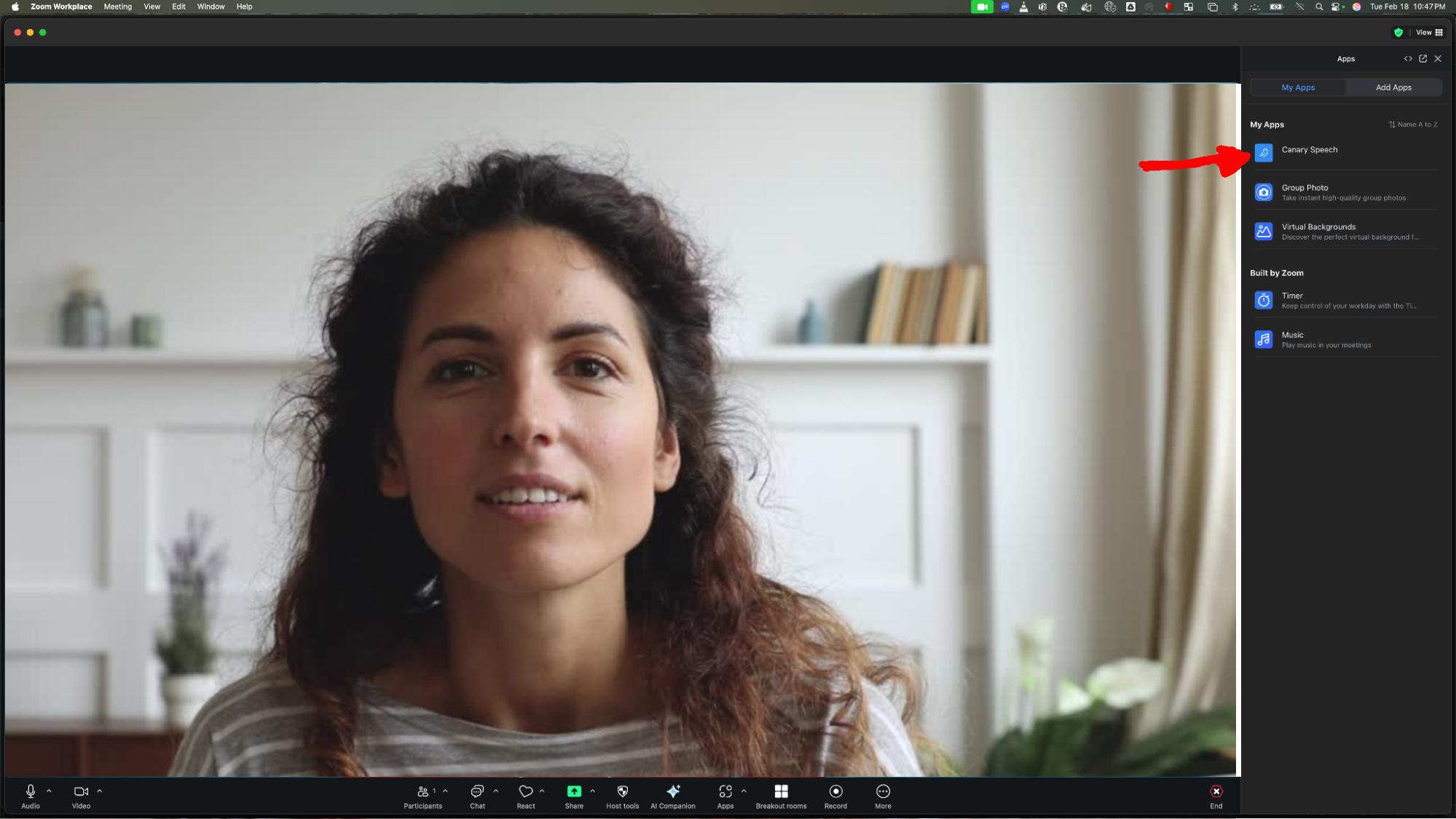
- Find the “Apps” button on the bottom
toolbar and click it to open the “My Apps” panel. Click the Canary Speech Ambient app.
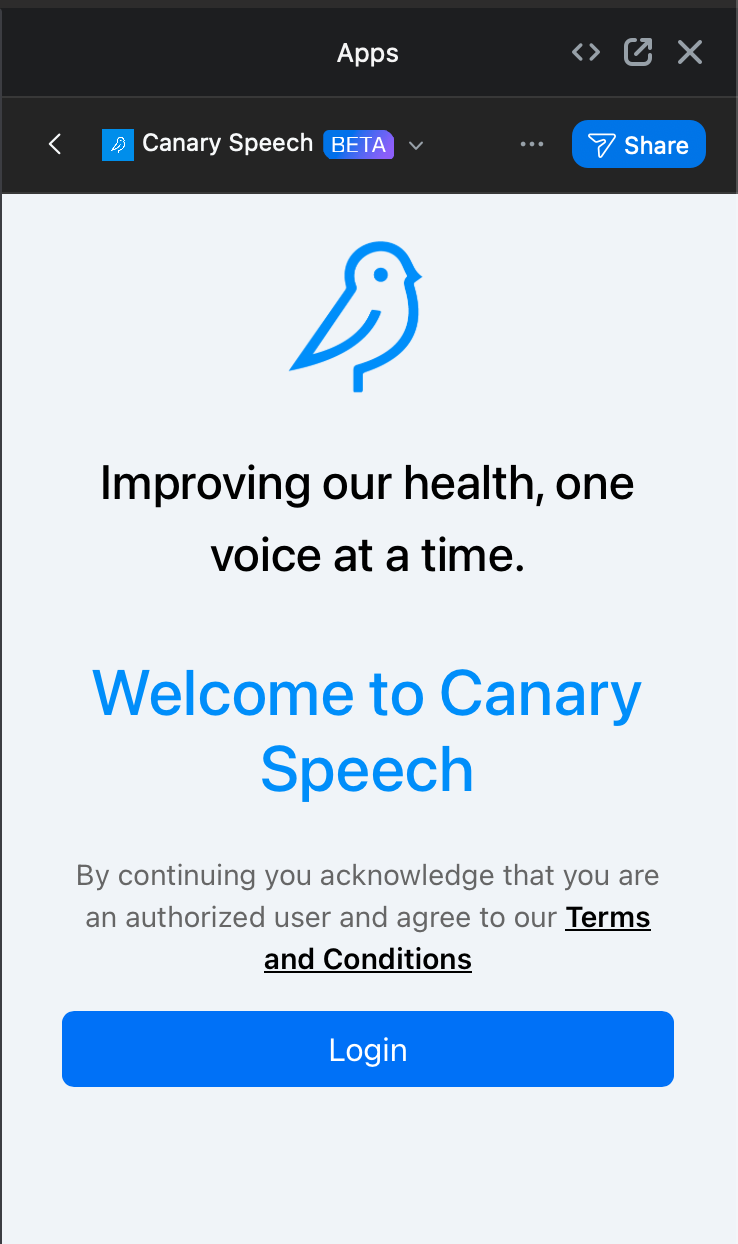
- You will see “Welcome to Canary Speech”. Click the Login button.
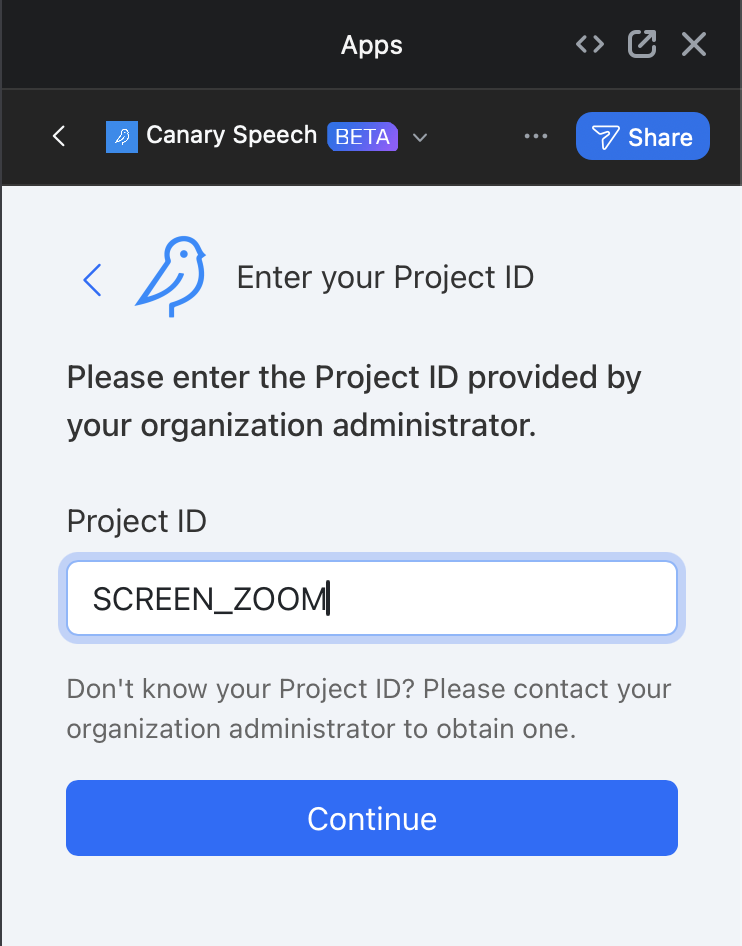
- Enter ZOOM_AMBIENT for the Project ID and click Continue.
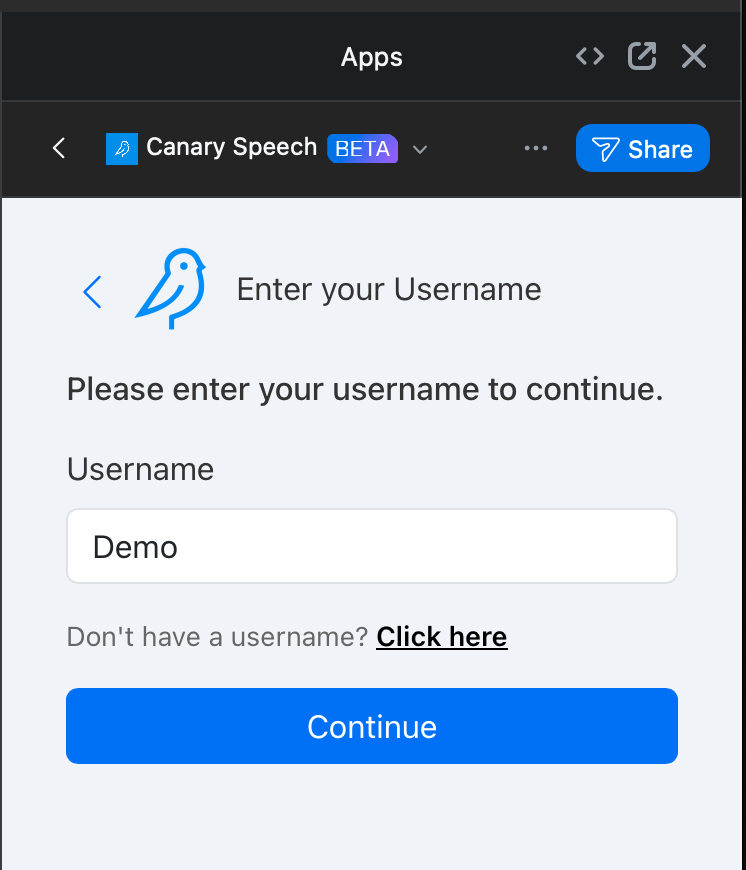
Enter TEST for the Username and click Continue.
- Select the participant and inform them that their voice will be recorded.
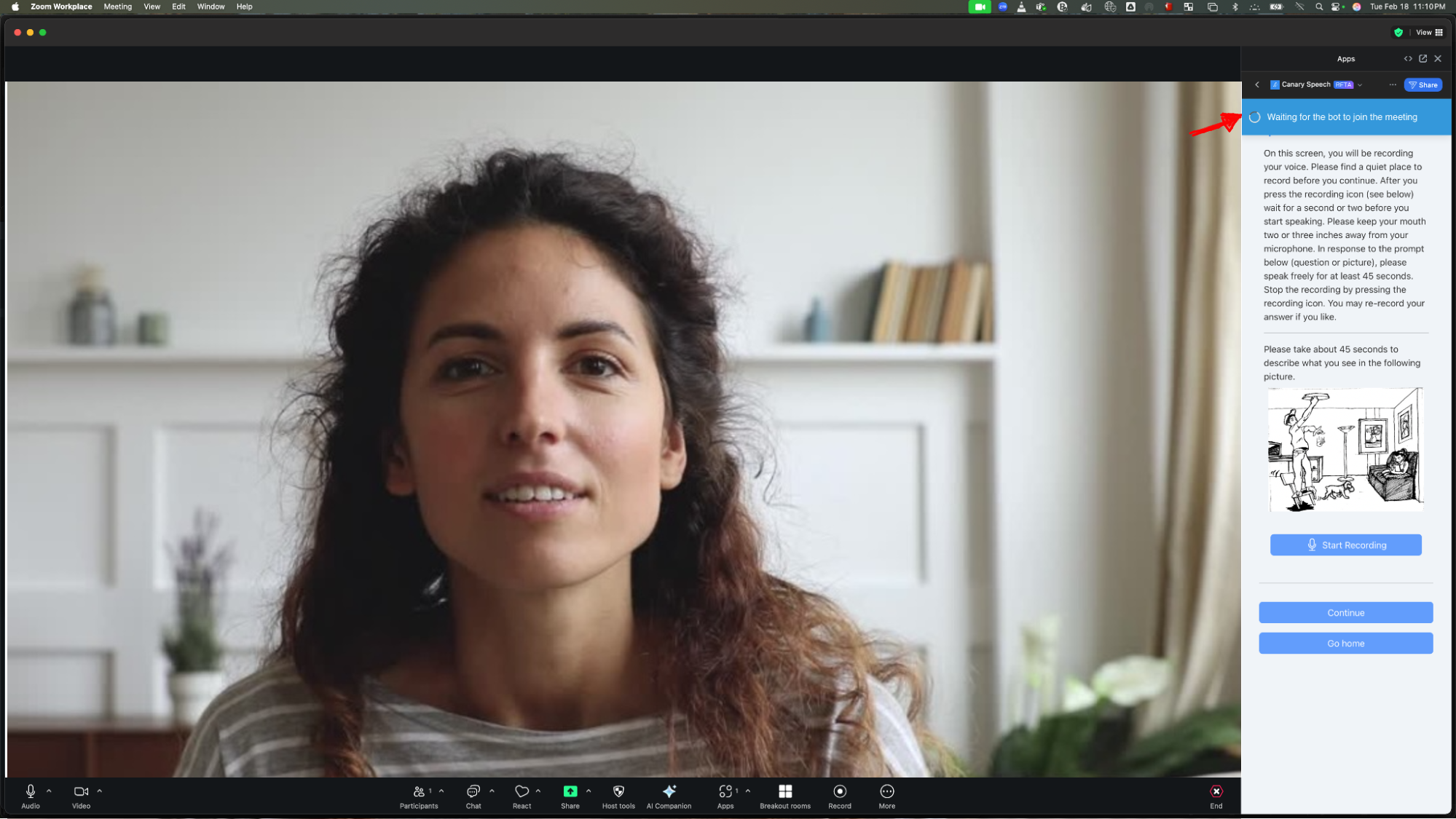
- Select the survey.
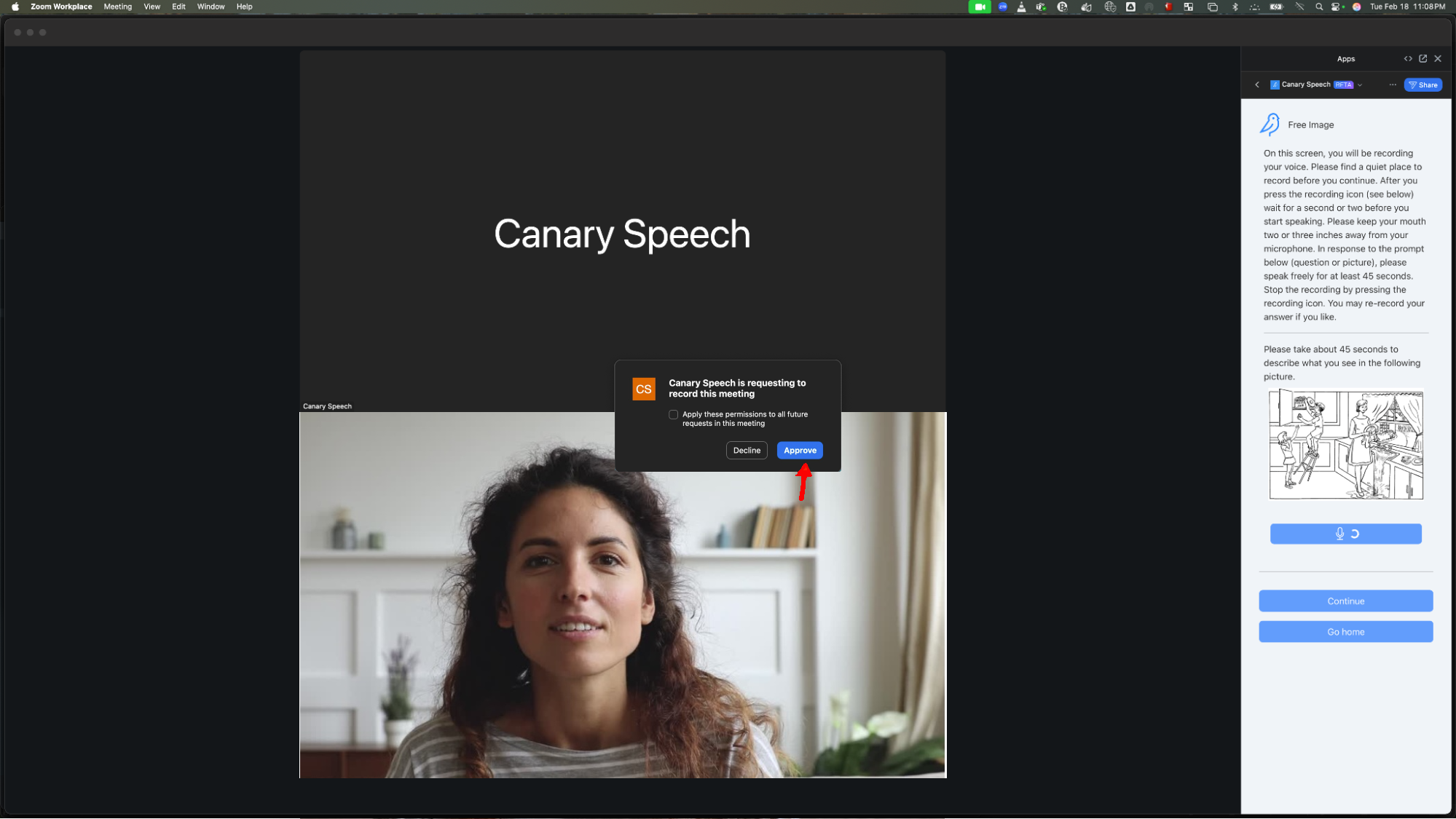
- Canary Ambient is listening for vocal audio from the selected participant. After it has collected enough audio it will run an assessment. (approximately 55 seconds)
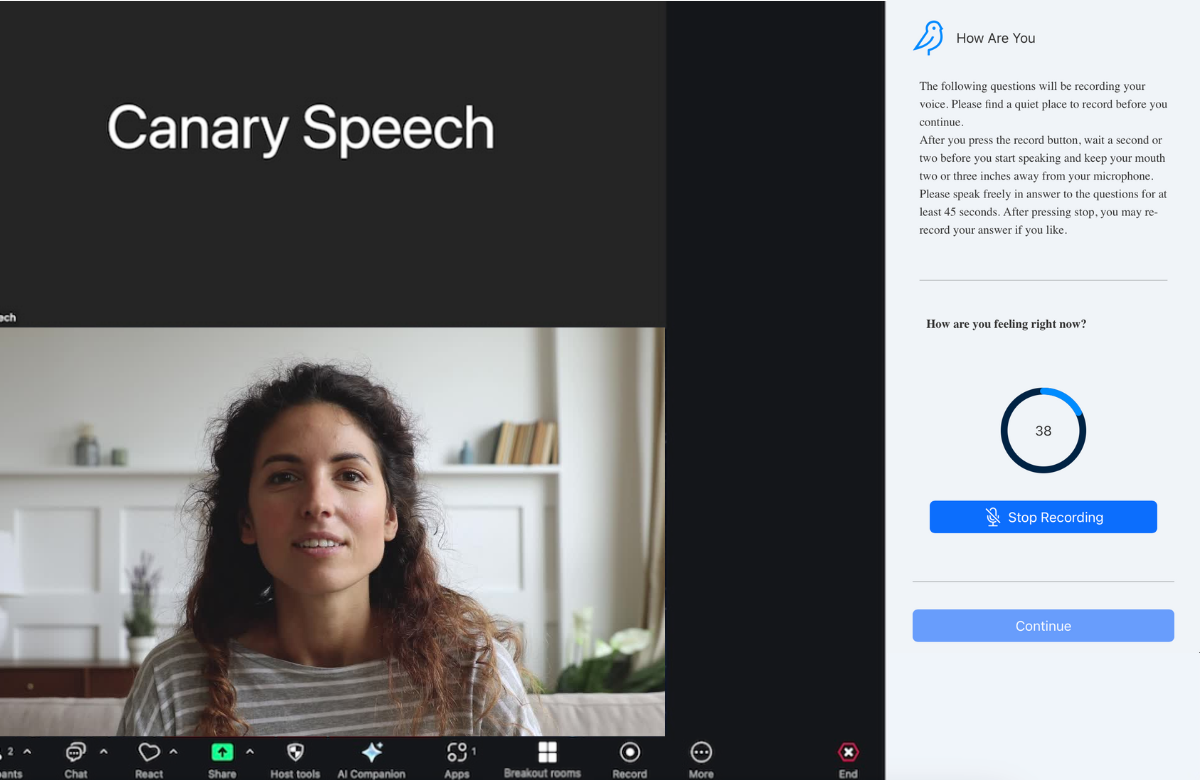
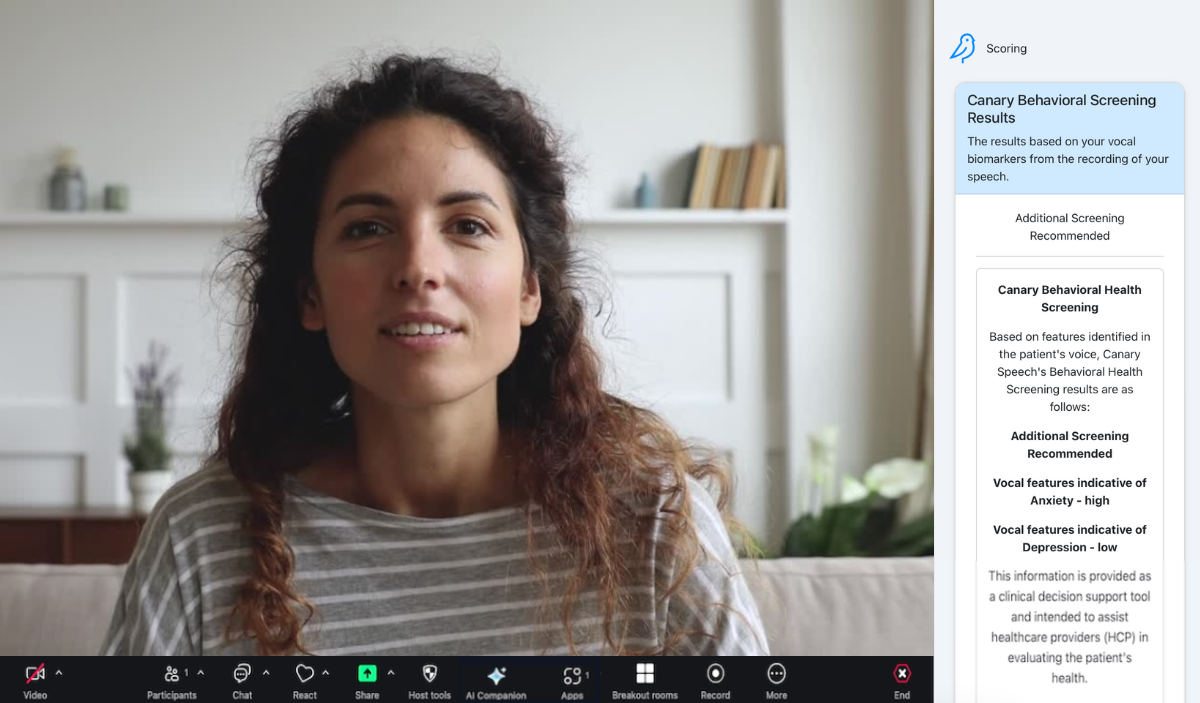
- Once the assessment is complete you will see results similar to the
image below.